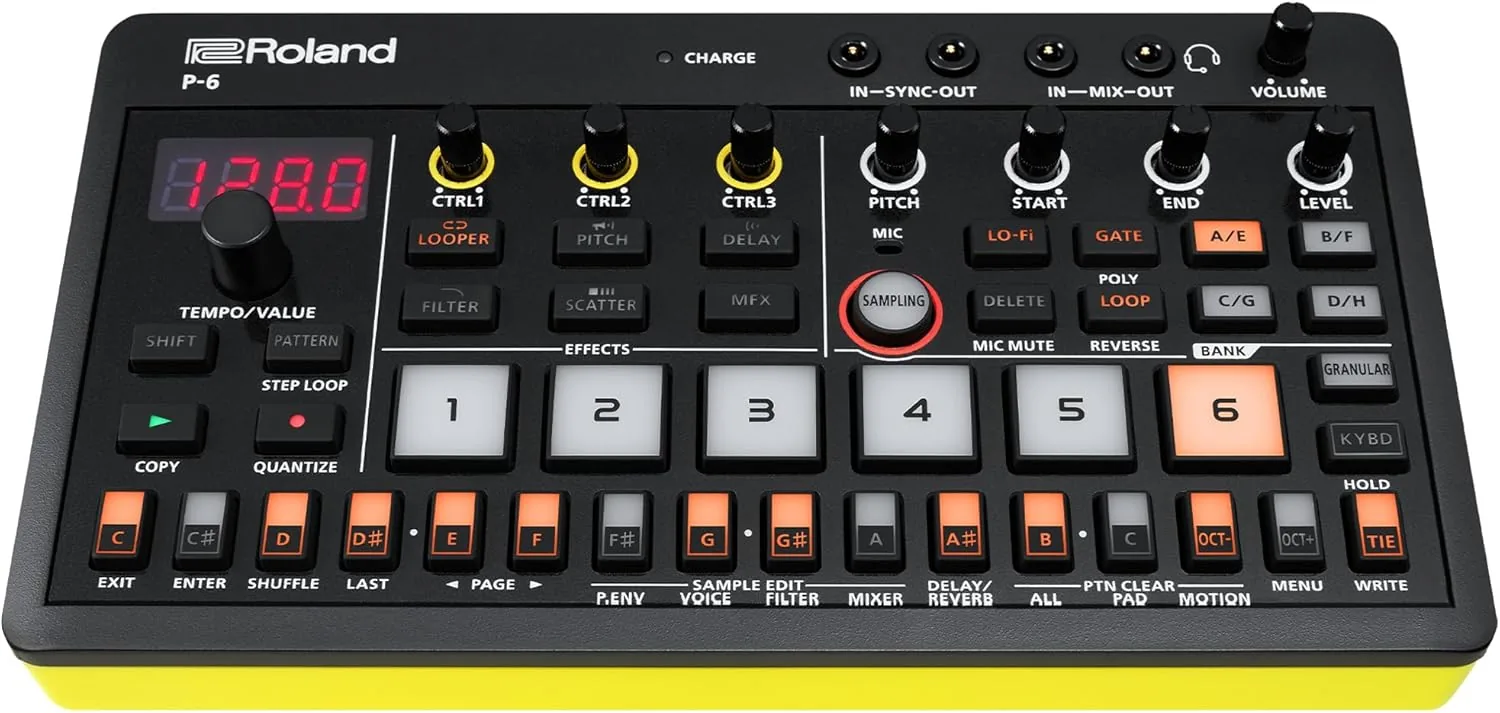
I built p6-wave-slice because I wanted less friction between finding sounds and actually playing music on the Roland P-6.
The P-6 Chop workflow is genuinely fun, but preparing source samples by hand is not. You have to line up sample rates, channels, durations, and silence trimming, then make sure every slice lands at exactly the same length. Doing that for a folder full of kicks or snares is repetitive enough to kill momentum. I wanted a command-line tool that could handle the tedious parts in one pass so creative time stayed creative.
The Motivation
The project started with a clear, practical goal: turn large folders of WAV files into equal-length slice packs quickly and consistently. As described in the README, the tool recursively finds matching files, normalizes format differences, trims leading silence, pads or truncates each slice to target duration, and emits P-6-ready batch files.
What I liked about this problem was how concrete it was. The input and output were unambiguous. Either the generated files load and perform well in Chop mode, or they do not. That made it a great project to build fast, test often, and keep refining against real musical use.
What p6-wave-slice solves
- Batch-prepares sample folders with consistent slice durations.
- Handles format differences across rate, channels, and WAV variants.
- Reduces setup overhead before a P-6 session.
- Creates a repeatable workflow instead of manual file wrangling.
How the Tool Works
At a high level, the flow is straightforward: find matching WAV files, normalize each file for consistent slicing, then concatenate fixed-duration segments into P-6-ready output batches.
Technical Deep Dive
Under the hood, the tool is intentionally narrow and deterministic: given a pattern and options, it walks matching WAV files, normalizes each input into a consistent target format, and emits fixed-length slice batches with predictable naming. The goal was correctness first, then speed.
CLI Contract and Inputs
- Core flags define the full contract:
-pattern,-dir,-output,-rate,-slices,-stereo, and-normalize. - Recursive search keeps sample packs flexible; you can point at large folder trees and filter by naming convention.
- The implementation targets practical sampler constraints, including valid output rates and predictable slice counts.
- Output naming is deterministic:
{pattern}_{slices}slices_batch{NNN}.wav.
Audio Processing Pipeline
- Decode WAV inputs across common PCM/float/extensible variants.
- Trim leading silence to remove dead air before slice packing.
- Convert to target sample rate and channel mode (mono/stereo).
- Pad or truncate each sample to exact slice duration, then concatenate into output batches.
- Optionally normalize final output to maximize usable level.
for each batch of matching wav files:
  for each file in batch:
    decode wav
    trim leading silence
    resample + convert channels
    fit exactly to slice duration (pad/truncate)
    append to output buffer
  optionally normalize output buffer
  write {pattern}_{slices}slices_batchNNN.wav
Reliability work mattered here. Parsing and format edge cases (especially around WAV extensible headers) were handled and tested so processing does not quietly fail on real-world sample libraries. That testing effort is part of why the tool has worked consistently for me when creating and loading multiple sample-bank sets into the P-6.
Building It with Cursor
This was one of those builds where AI assistance felt like a real force multiplier. Cursor made it easier to move quickly between ideas, implementation, and cleanup. I could iterate on command flags, edge-case handling, and test coverage without losing context or momentum.
More than anything, I enjoyed the rhythm: try an idea, test it against real samples, tighten behavior, and keep shipping. The end result is a focused utility, but the process itself felt collaborative and energizing. It made me want to build more tools that are small, opinionated, and immediately useful.
Putting It Out in Public for the First Time
Publishing the repo was a personal milestone. It was my first time creating and sharing a public repository, which made the release feel both exciting and a little vulnerable. It feels different when a tool moves from your local machine to the open internet.
I later shared it with the Roland P-6 community on Reddit in this post, and the response was warm. That response mattered. It reminded me that a niche tool can still have real value when it solves a concrete workflow pain point.
Shipping it publicly made the whole project feel complete: identify a friction point, build a practical fix, then hand it to the community that inspired it.
What I Learned
p6-wave-slice reinforced something I keep seeing across engineering and music: focused tools win. A small utility with a clear contract and clean docs can have outsized impact. It also showed me how much fun AI-assisted development can be when you treat it as a fast partner, not an autopilot.
Since building it, I have created and loaded multiple sets of sample banks into my P-6, and I have made several new beats with them that I genuinely enjoy. That outcome is the real validation for me: the tool does exactly what I hoped, and it directly feeds the creative side of the workflow.
If you are curious, you can browse the project links below and then jump back to other posts on this site: